
What Belongs In A UAV Maintenance Log?
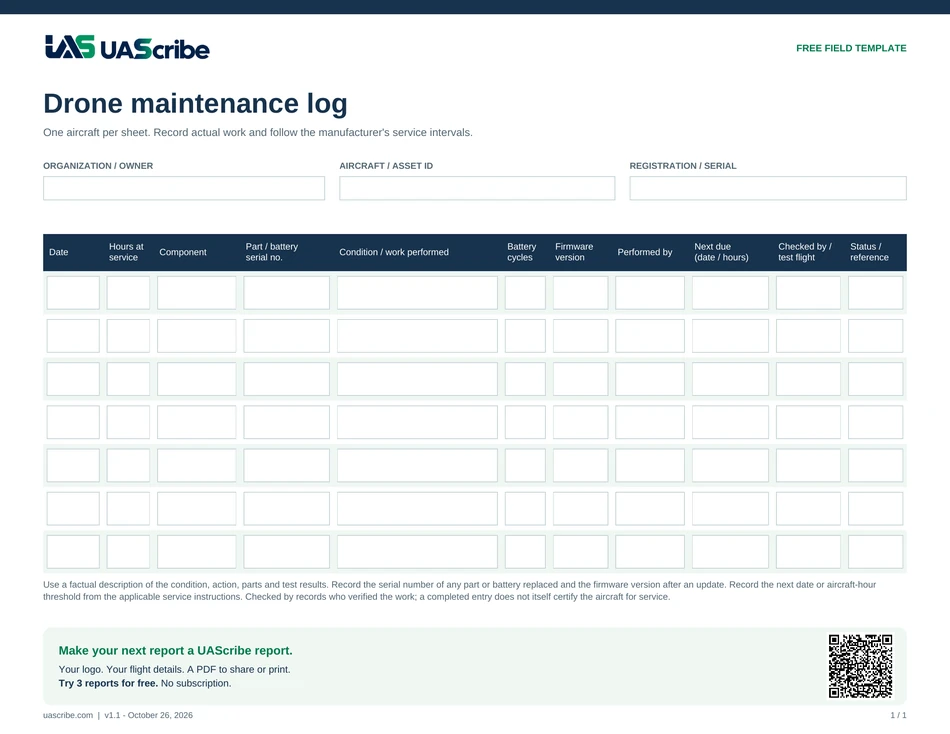
A useful entry explains which aircraft or component you worked on, what you observed, what you did, and what needs attention next. “Checked drone” is difficult to use later. “Replaced damaged front-left propeller; inspected remaining propellers and mounts; recorded part reference” gives a future reader something specific to follow.
- Aircraft identity: model, internal asset name, registration, and serial or Remote ID details that distinguish it from similar aircraft.
- Date and context: date of service, related mission or incident, and aircraft time or cycles if you track them.
- Component: aircraft, propeller, battery, payload, controller, or another identified item.
- Findings and work: the observed condition, inspection performed, repair, replacement, or update.
- Parts and references: part numbers, relevant manufacturer instructions, receipts, and supporting photographs.
- Person and next action: who completed the work, follow-up needed, and the due date or usage interval you are using.
Keep Batteries And Accessories Identifiable
If you rotate several batteries, label each one consistently. Record the battery identifier when the entry concerns that battery. Use the same approach for a camera, payload, or controller. A clear identifier prevents a service note from being attached to the wrong component.
Use The Manufacturer’s Instructions
Choose inspection tasks and service intervals from the instructions for your aircraft and equipment. Do not treat a generic template as a manufacturer-approved maintenance program. Under 14 CFR 107.15, the remote pilot must check the aircraft’s condition before flight and must not continue an operation when the aircraft is no longer in a condition for safe operation.
Close The Loop After A Flight
If the flight record identifies an unusual vibration, damaged propeller, warning, or hard landing, reference that mission in the maintenance entry. Record what was checked and the follow-up rather than leaving the observation in a separate note. Keep copies of records where you can retrieve them for the next inspection or handoff.
Keep The Aircraft Record In UAScribe
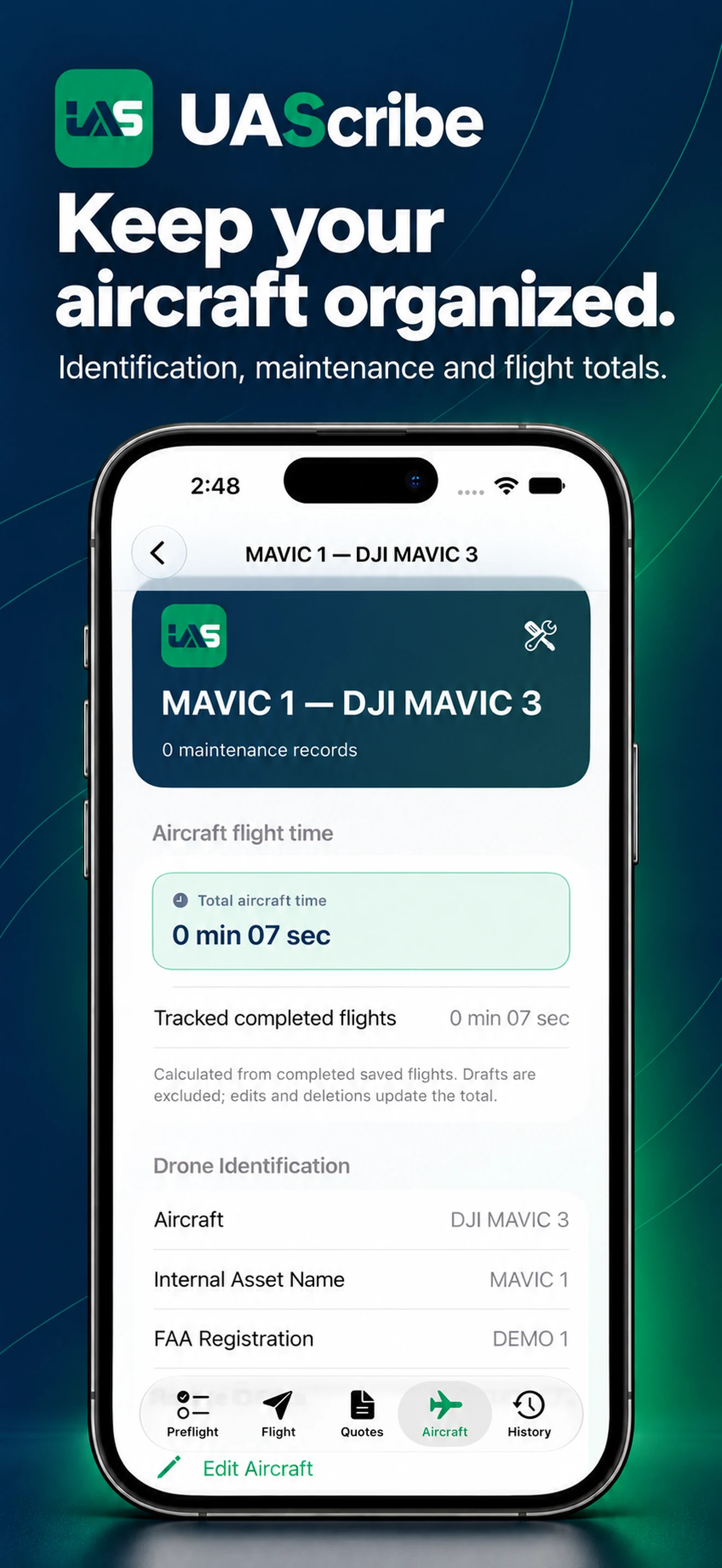
UAScribe stores aircraft identification and maintenance entries on your device. The latest version also keeps a running flight-time total for each aircraft from your documented flights. The built-in timer records flight duration for the mission report, and accumulated aircraft time is available in the maintenance section alongside service history.
Explore aircraft maintenance records and use the preflight checklist to document the next mission.
PUT THE RECORD TO WORK
Keep The Workflow In UAScribe
Create quotes, document flights, and share or print branded reports from iPhone or iPad.
Download on the App StoreTry 3 reports for free. Pro: $5.99/month, $39.99/year, or $99.99 lifetime.
US App Store price. Regional pricing may differ.